For coaches
Write the program once. Read what was lifted.
Spotter is a training operating system for strength athletes and the coaches who program for them. You write the program and assign it; the athlete's queue picks it up; you read what was lifted and edit next week. The spreadsheet, the chat thread and the logging app become one thing, and the athlete gets a real app to train from — free.
Free during early access. Founding Coach pricing after — see below.
The loop
Invite, assign, read, adjust.
Five steps, in the order a week runs. Every screen below is the app, captured on real training data; the address is blurred and nothing else is retouched.
- 01
Invite
Type an address. Someone new gets an email and signs up free; someone already on Spotter sees the invitation in the app. When they accept, they are on your roster, and their training opens to you from that row. Nobody is on your roster who did not say yes, and either side can end it.
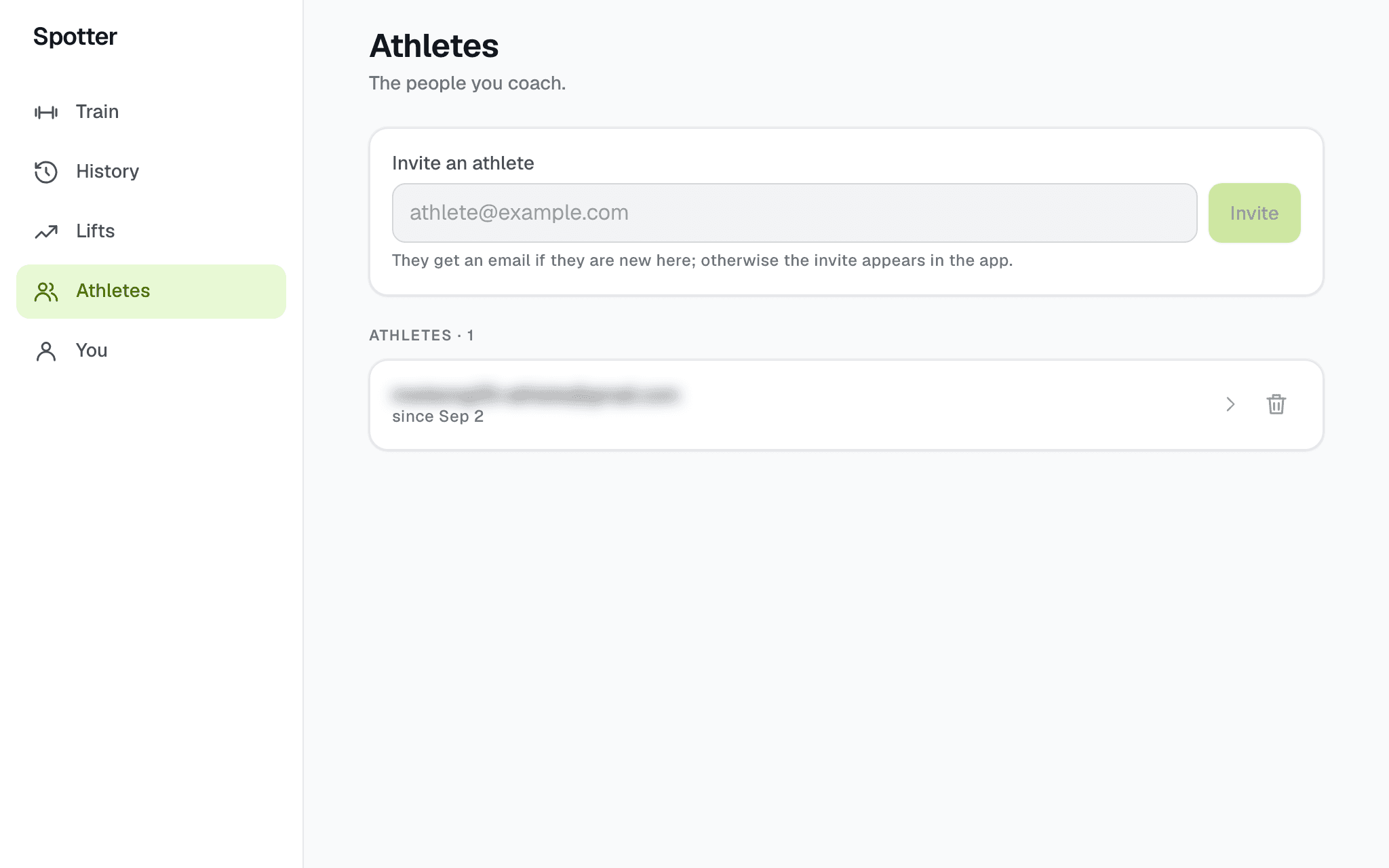
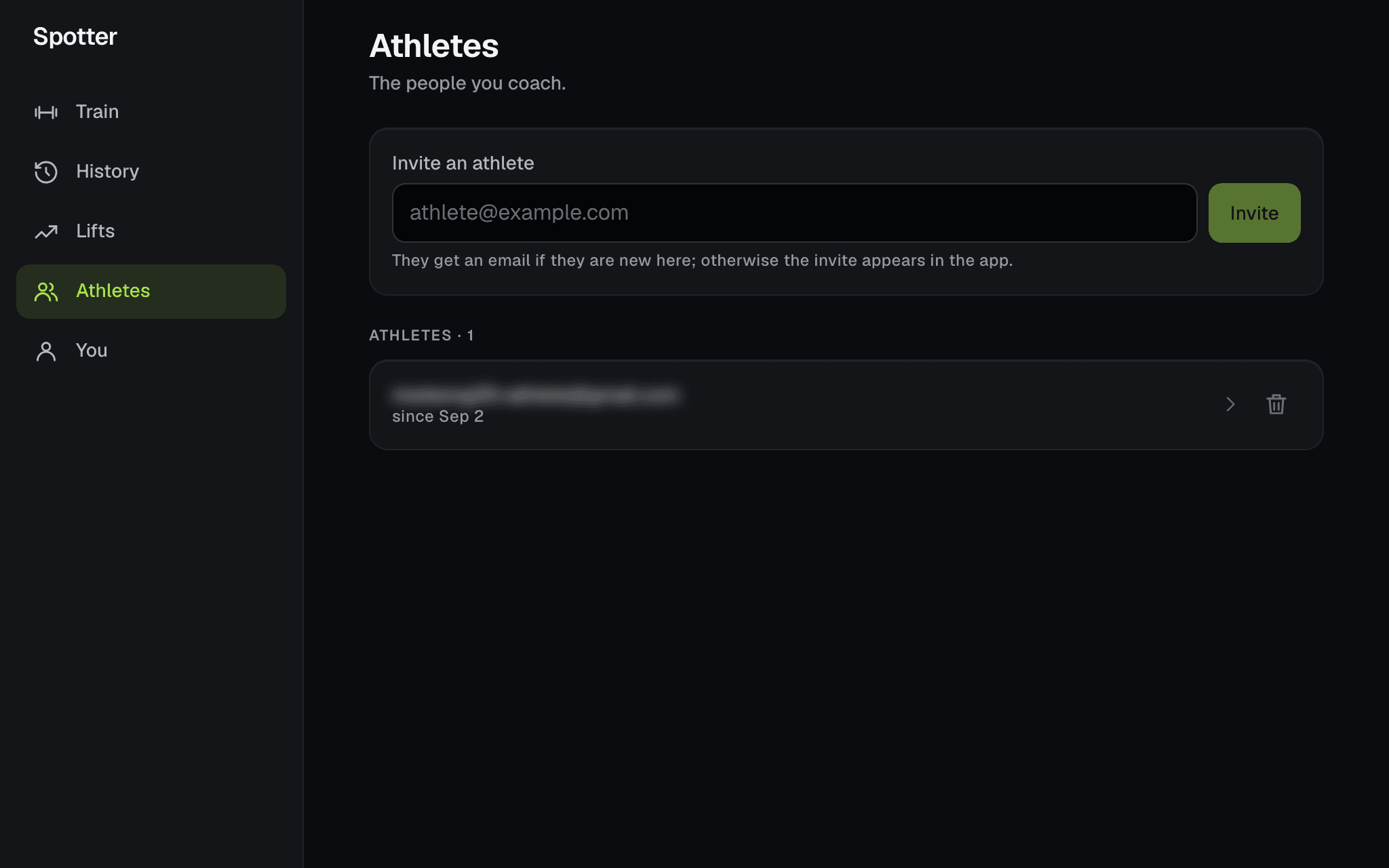
The roster. A list of the people you coach, not a dashboard. - 02
Author, then assign
Write the program in your own library: blocks, weeks, days, and on each day the lifts with sets, reps and load — RPE, tempo, or a percent of a training max. Assign it, and the athlete gets a copy in their library. Yours stays yours, to assign again or keep editing.
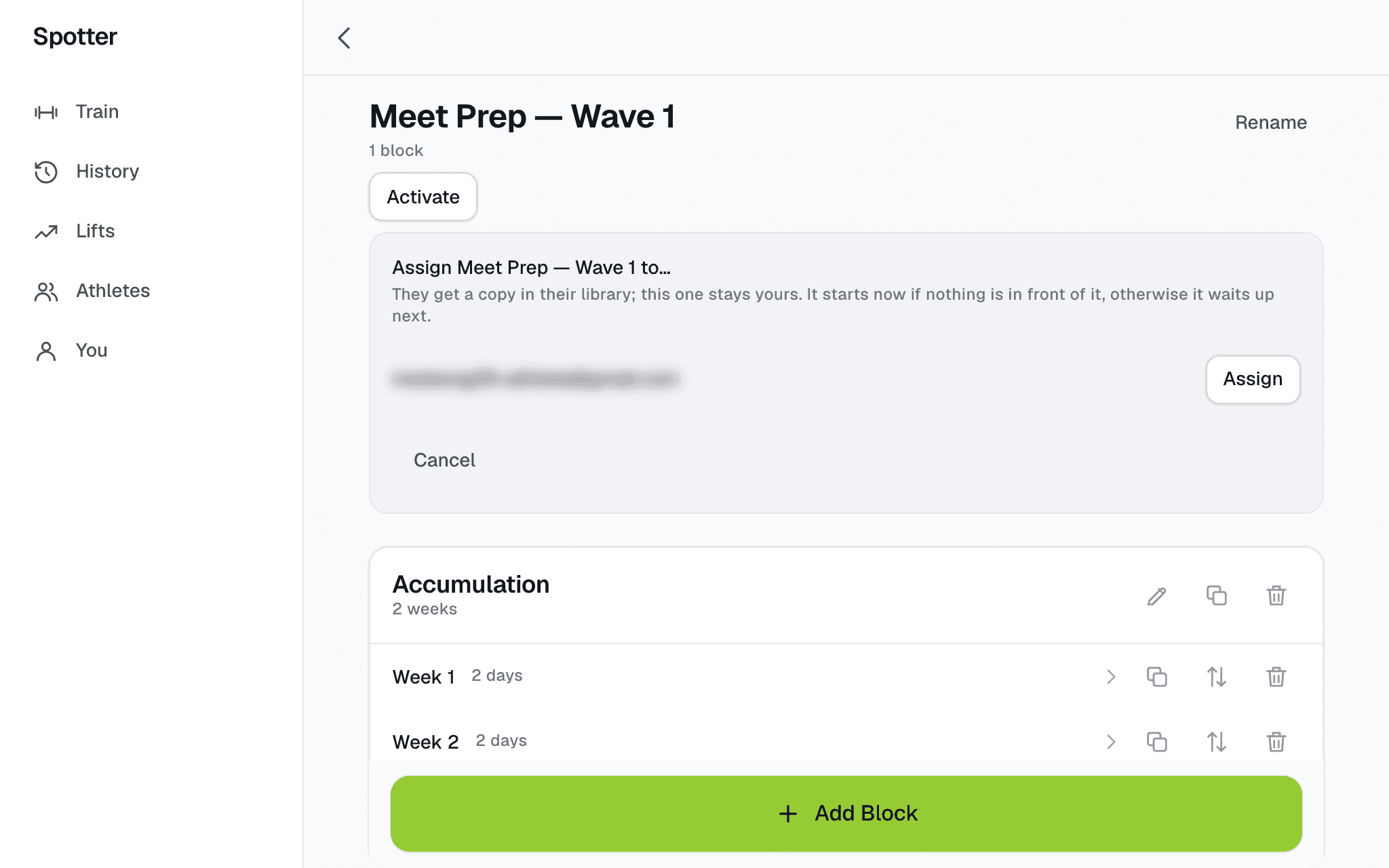
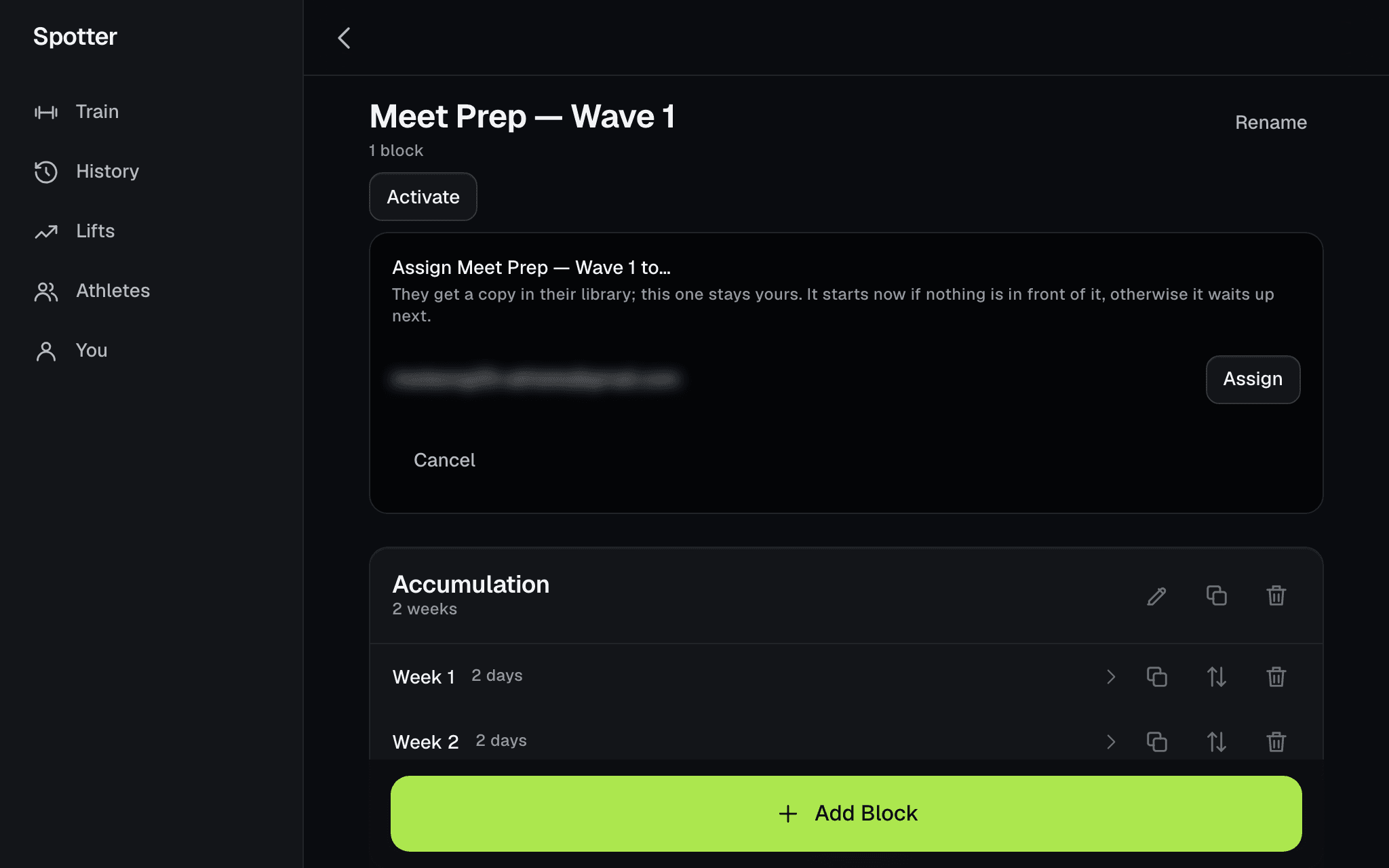
Assign from your program. One athlete, one button. - 03
The queue picks it up
If the athlete has nothing in front of it, the program starts now and its first day is their next session. If they are mid-block, it waits up next and their Train card asks when it should start. The prescription is already typed when they open the day, with your note on it. Logging a set is one tap.
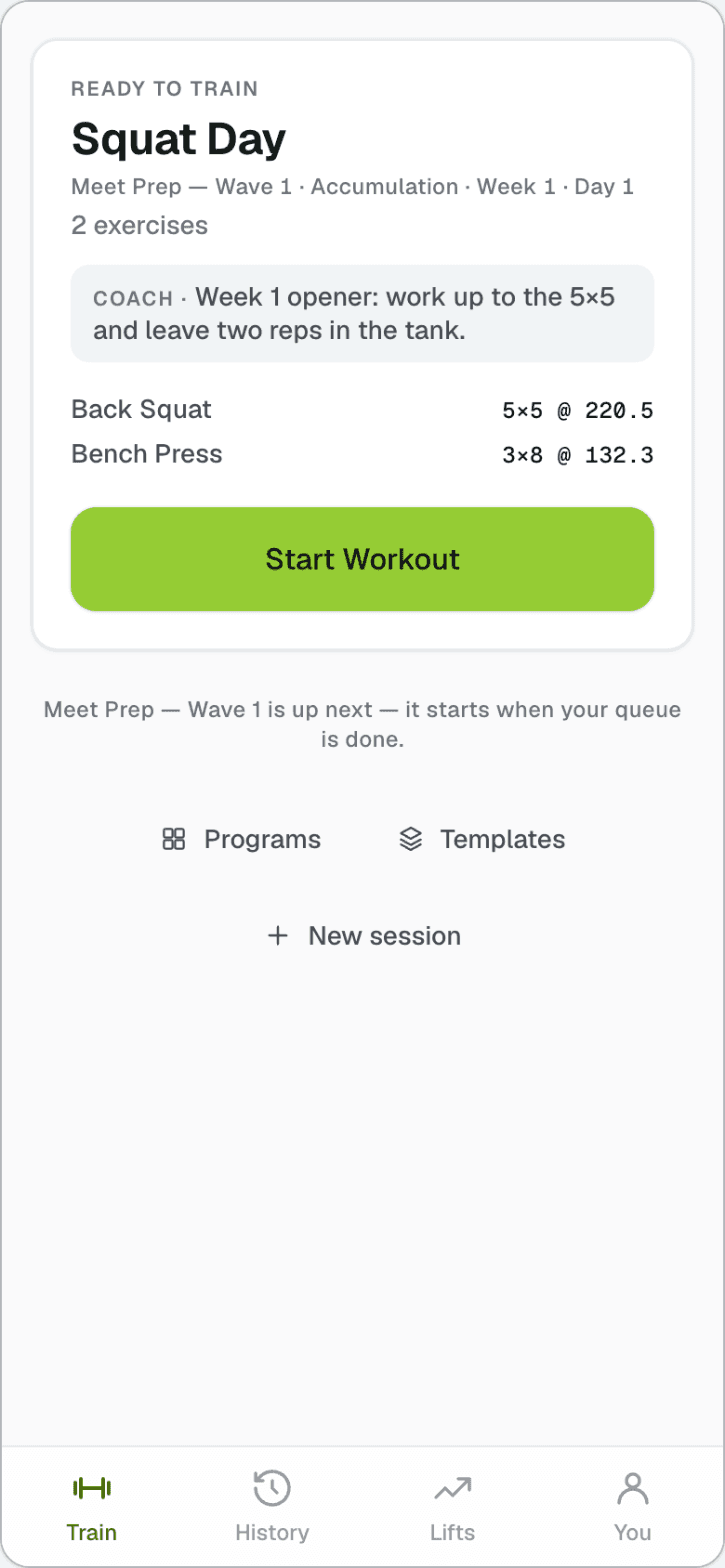
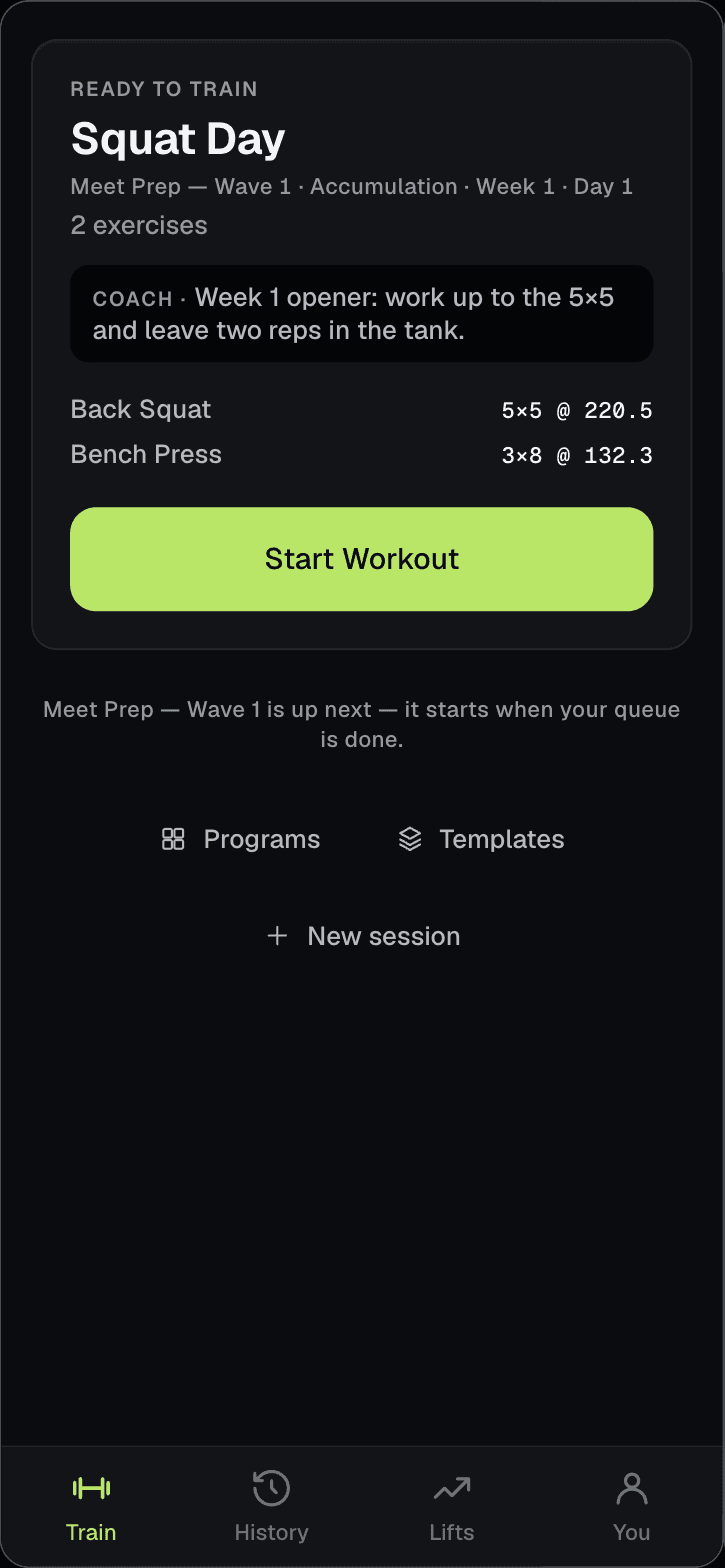
What the athlete sees: the next session, and your note on the day. - 04
Edit next week
Open the athlete and you are inside their program, one level down from your own: change a load, add a lift, leave a line on a day. The athlete sees the change the next time they open the app. What they have already lifted is a finished record, and nothing you edit reaches into it.
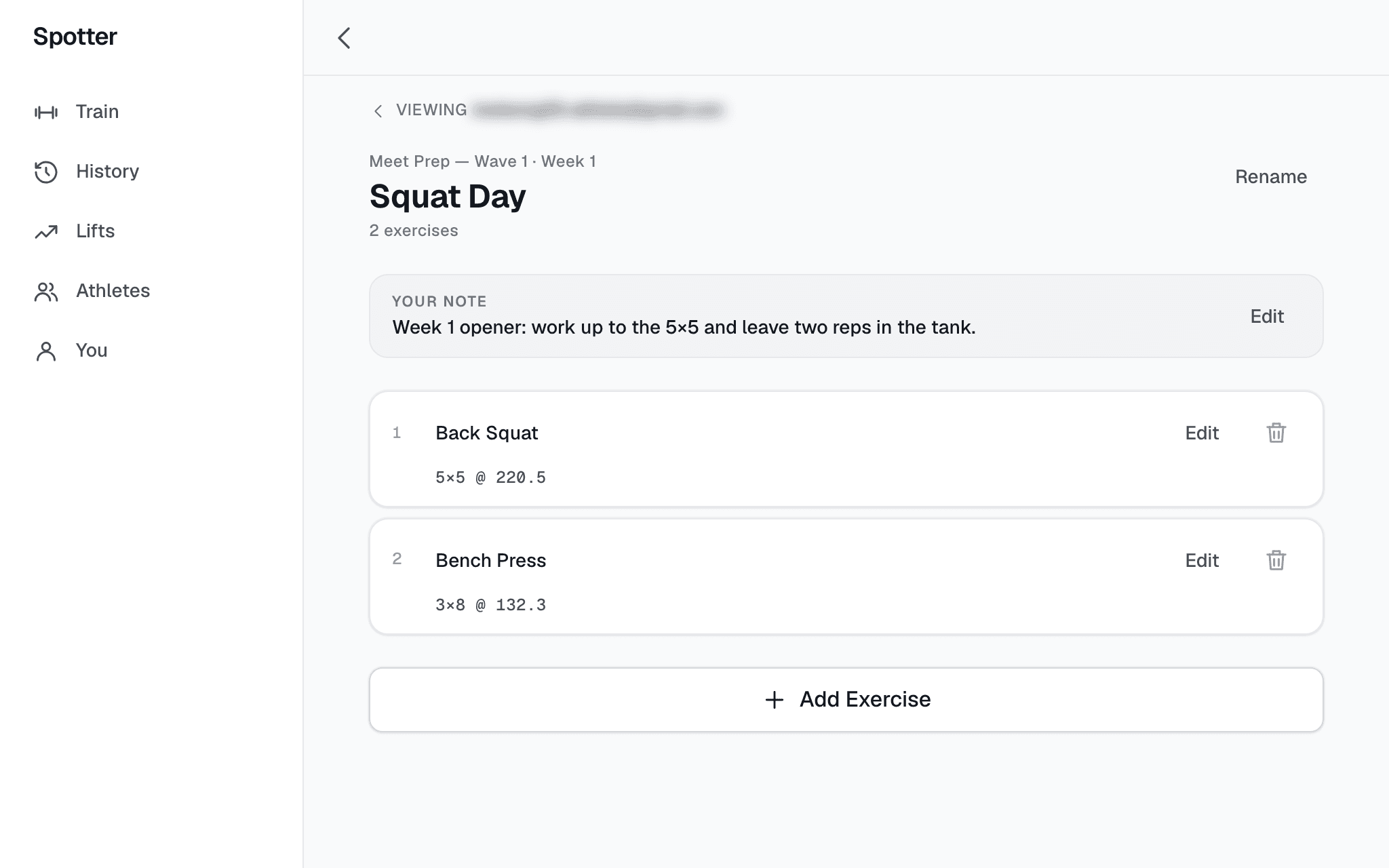
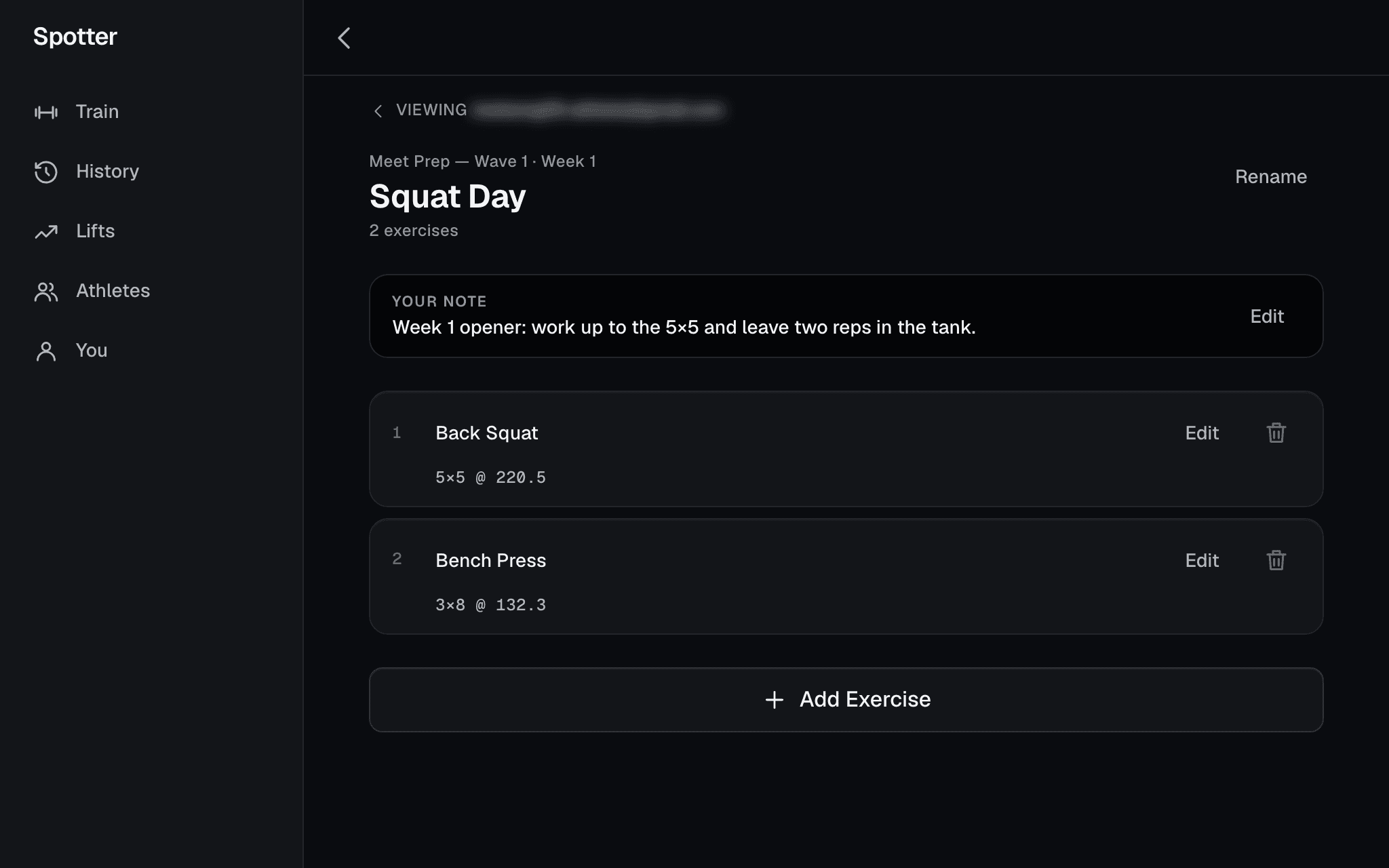
A day in the athlete’s program, from your side. The note reads on their Train card and in the session. - 05
Read what was lifted
Their history, every session, and every lift with its estimated one-rep-max curve and the sets behind it — the same screens the athlete has, read from your side. Plan against actual as raw numbers: sets, reps, load, RPE. No readiness score, no compliance percentage, nothing invented between you and the bar.
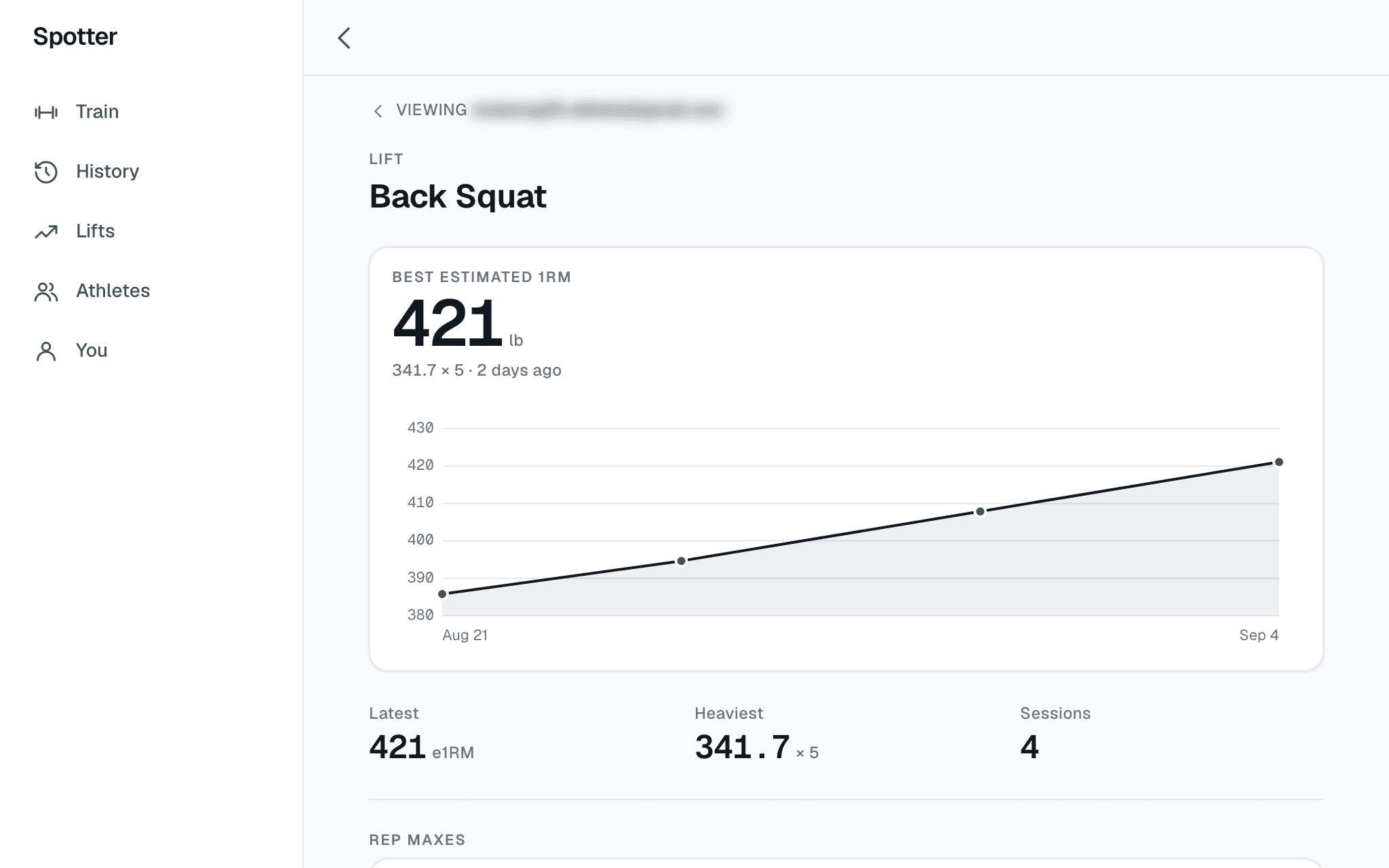
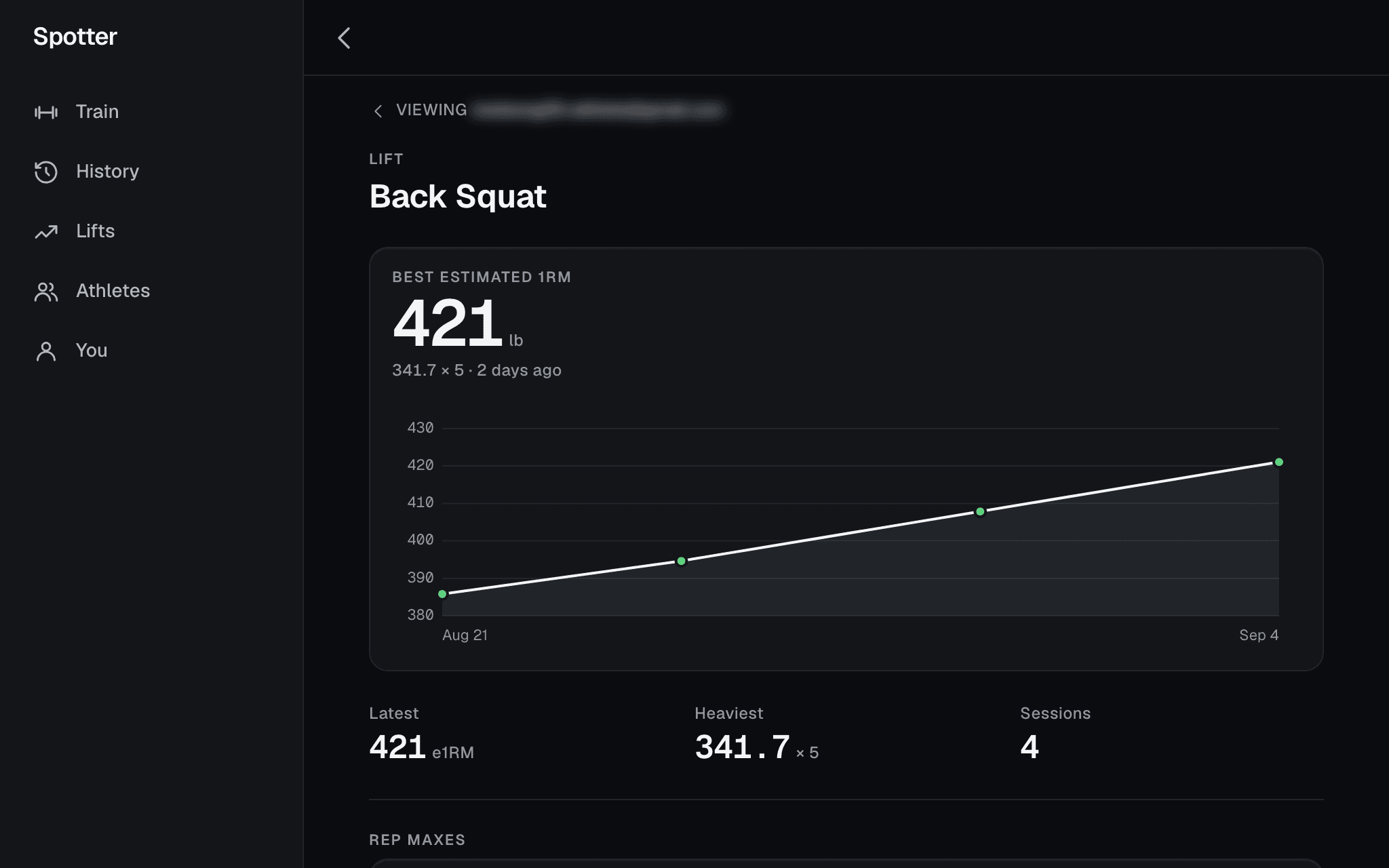
A lift as you read it: the estimated one-rep-max curve, and every set behind it further down.
What stays true.
- The athlete owns every session.Coached or not, their training is theirs. When a relationship ends, from either side, they keep everything and you no longer see it.
- History never moves.A finished session is immutable. You edit next week; last week stays as lifted.
- Your program is yours.Assigning copies it. Your library is the source, and no athlete’s edit reaches back into it.
- Numbers, never a score.Plan versus actual is shown as it happened. No readiness index, no streaks, nothing gamified.
Pricing
Athletes train free. Coaches pay for scale.
The athlete never pays to train, and the app they get is the whole app — not a stripped client. A coach pays for the roster: for programming, assigning and reading across the people they coach. Nothing about an athlete's own training is ever behind a coach's subscription.
Athletes
Free
The complete app, every session, coached or not. Their program, their history, their lifts, kept whether or not they ever have a coach.
Coaches
Founding Coach
Free during early access. When Spotter charges coaches, you keep a Founding Coach price — locked for as long as you subscribe — and your athletes never pay to train.
What Founding Coach means. Every coach in early access is a Founding Coach. The price you are given when charging begins is yours for as long as you keep subscribing at that size of roster; it does not rise with the price list. It is a lock, not a discount code.
What is not decided. The number. Coach pricing will scale with the size of the roster, and it is set with the early-access cohort, not before it. A coach in the cohort hears the figure first, on a call, before it is published anywhere.
Not a feed, not a marketplace, not an AI coach.
Spotter facilitates the coaching relationships that already exist. No social layer, no athlete discovery, no generated programs. Your athletes are yours because you invited them, and nobody else on Spotter can see them.
Barbell training first: RPE, tempo, percent of training max, the e1RM curve, and PRs recorded as facts. Built for strength athletes — powerlifting, weightlifting, strongman — and the coaches who program in sets, reps and load.
There is no coach sign-up.
A coach joins the same way an athlete does. Request access, and once you are in, turn on I coach people on the You tab and invite your first athlete from the roster. An invitation from you skips the line for them. Spotter is opening in cohorts during early access; if you were sent this page, you are in one.
Request access at spotterstrength.com.